
Clone Hero iOS: Availability, Checks, and Practical Setup
The phrase clone hero ios is a real search question, but a careful answer needs more than a download button. The official Clone Hero homepage lists iOS beside Windows, Mac, Linux and Android, and the v1.1.0.6142 release page exposes a public TestFlight beta invitation. This guide explains what that invitation means, why it is different from a permanent IPA, and how to test a mobile route without losing songs or controller time.
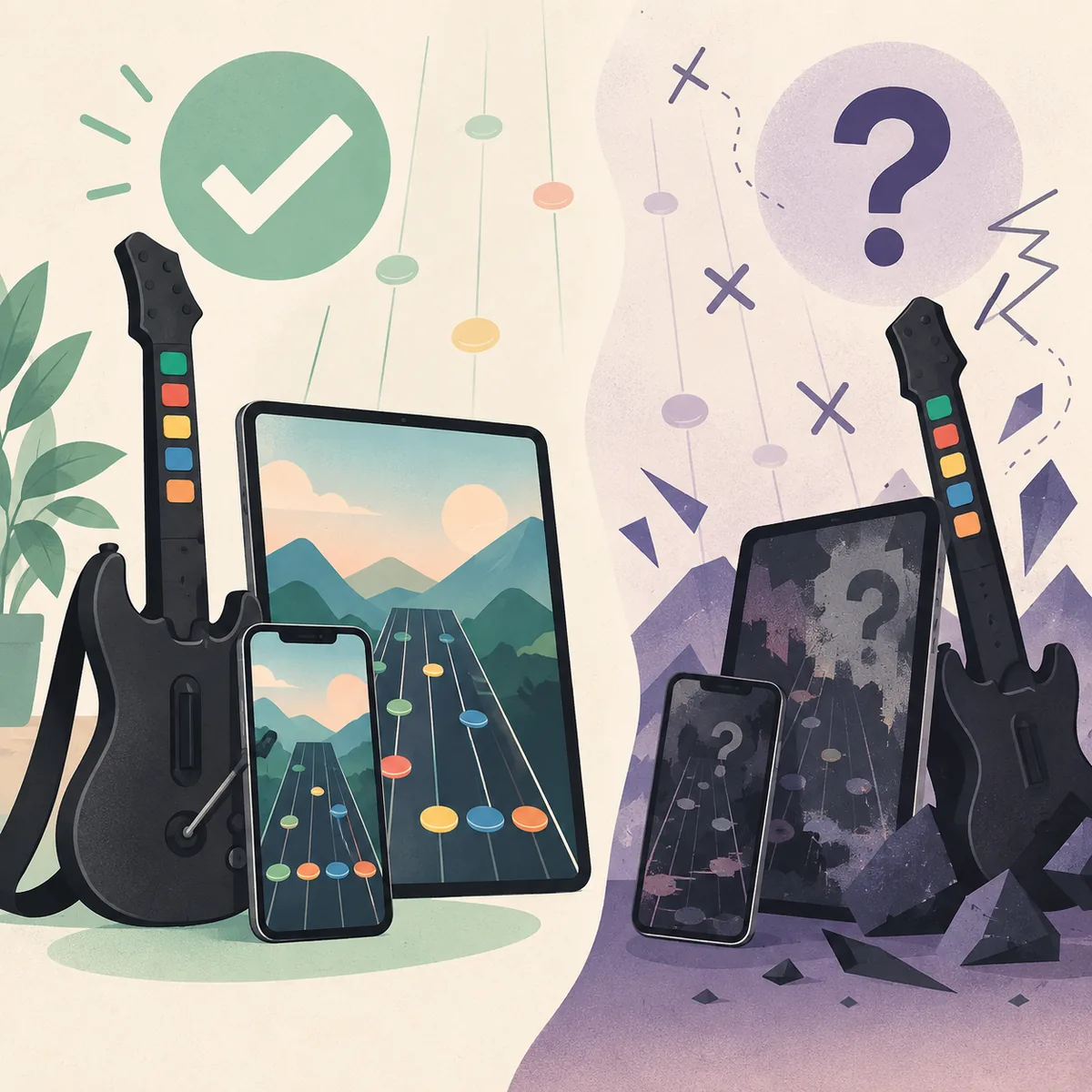
Treat iOS as an availability check, not a guaranteed download
The official Clone Hero homepage currently names iOS as one of the platforms for the game. The v1.1.0.6142 release detail page goes further and exposes a public TestFlight invitation, so there is an official beta route to check. TestFlight is a managed Apple beta channel, not a permanent App Store listing or a stable direct IPA. On the same check date, the installation guide still described Windows, Mac, Linux and Android steps without a full iOS section.
Use the publisher-controlled Clone Hero TestFlight invitation in the TestFlight app, and expect beta availability, build expiry or tester limits to change. Do not install an IPA, profile or all-songs bundle simply because a mirror uses the words Clone Hero iOS.
What the official Clone Hero pages actually confirm
Separate a platform mention from a release asset, because the two answer different questions.
For anyone searching clone hero ios, the official homepage is the strongest first-party evidence for the broad platform statement: it lists Windows, Mac, Linux, Android and iOS. That wording tells readers that iOS matters to the project, but it does not identify a minimum iOS version, controller matrix or permanent store listing. The release detail page supplies the missing distribution clue by linking to TestFlight.
The v1.1.0.6142 release detail page lists Windows, macOS, Linux and Android download assets plus a TestFlight button. A TestFlight invitation is a real official path, but it is a beta enrollment link rather than a file URL that can be mirrored safely. Apple may show a full beta message, an expired build or a tester limit when you open it.
The official installation manual is still important because it describes the practical file and data workflow. It has sections for Windows, Mac, Linux and Android, including where to install and how to keep songs and custom content separate. It does not currently provide a full iOS installation chapter, so this guide explains TestFlight checks without inventing undocumented folders.
| Evidence | What it supports | What it does not prove |
|---|---|---|
| Official homepage | iOS is named in the platform list | A public App Store, TestFlight or IPA download |
| Official release detail | v1.1.0.6142 assets and a public TestFlight invitation | A permanent App Store listing, stable IPA or unlimited beta access |
| Official installation manual | Documented installation and data steps for listed sections | A complete undocumented iOS workflow or controller guarantee |
| A random mirror or video | A lead to investigate | That the file is official, safe, current or complete |
Why TestFlight is different from an iOS IPA
A sideloaded IPA can look convincing while hiding a modified executable, an expired signing profile, a second payload or a request for unrelated device access. The official TestFlight invitation is safer to verify because Apple and the developer control the beta channel, but it can still be limited to a particular build, device family or tester window.
There is also a practical data risk. Clone Hero songs, Custom assets, profiles and settings are user content that may live in different paths on every platform. Joining a beta and then pointing it at a large library makes it harder to distinguish an application problem from a damaged chart, a permission change or a missing data path. Keep the original library backed up before experimenting.
- 1
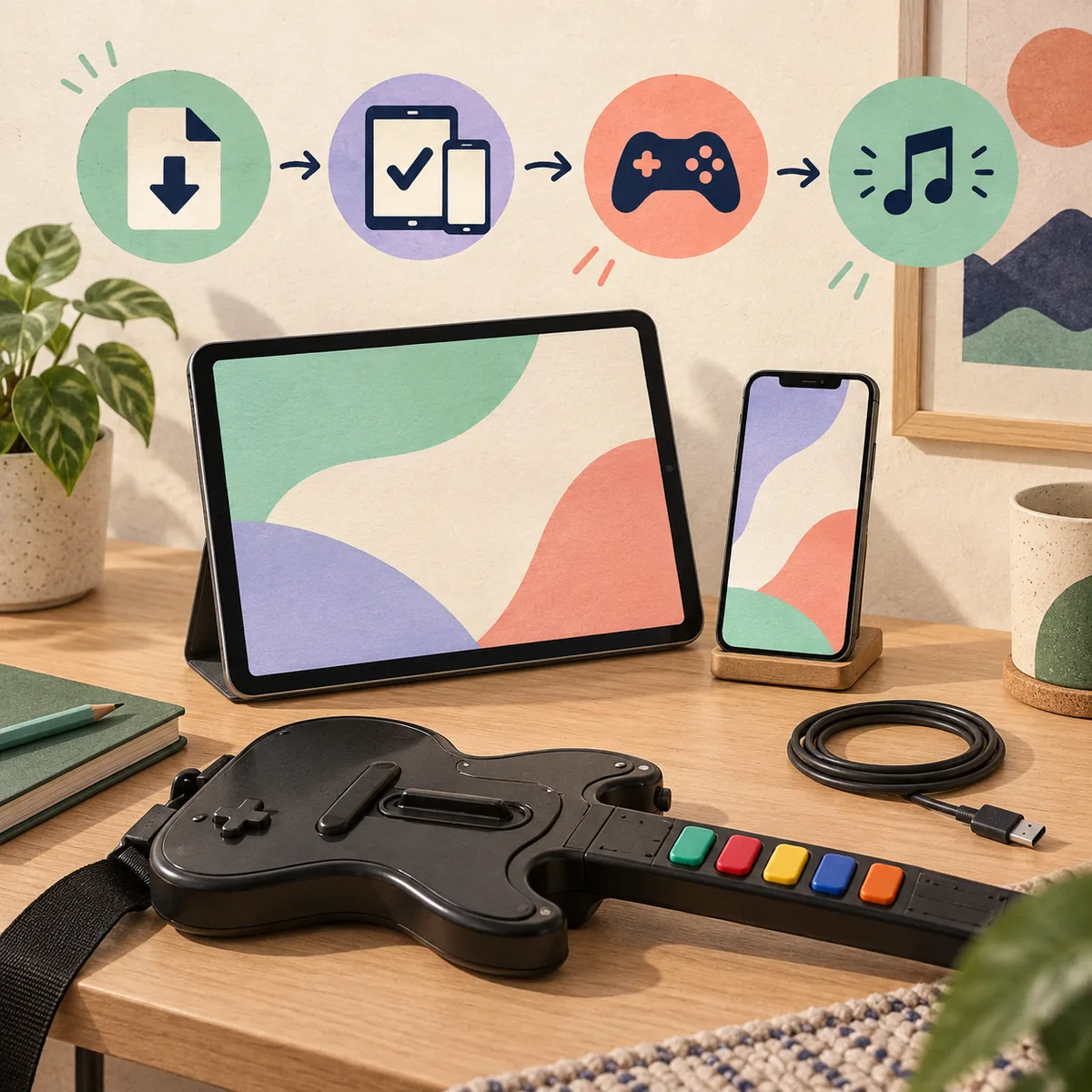
Open the official source
Start at clonehero.net, the v1.1.0.6142 release detail and its TestFlight invitation. Stop if the destination is only an anonymous mirror, a shortened link or a paid installer.
- 2
Record the beta details
Note the TestFlight build, expiry message, device requirement and feedback instructions. Do not treat the invitation as a permanent IPA URL.
- 3
Protect your library
Keep Songs, Custom, profiles and settings in a separate backup. Do not test an unknown package against the only copy of your library.
- 4
Test one input path
If an official build becomes available, begin with the device controls or a known gamepad before pairing a guitar, adapter or Bluetooth audio path.
- 5
Test one complete chart
Load one known chart, confirm notes and audio, then add content gradually. A small baseline makes later failures explainable.
Check an iPhone or iPad without overpromising compatibility
An iPhone and an iPad are not interchangeable test targets. Screen size, operating-system version, storage permissions, audio routing and available controllers can change the result. Even when the same application package exists, touch targets and timing may feel different on a phone than on a tablet. Record the exact device model and operating-system version before reporting a result.
The safest first test is a clean launch with default visual settings, one audio output and one input method. Avoid importing a large song pack, changing several graphics options and pairing a wireless guitar in the same session. Change one variable at a time so you can tell whether an issue belongs to the app, the device, the controller or the chart.
Songs, Custom content and backups on a mobile test
The game application and the community chart library are separate layers. A genuine mobile release would still need a documented way to locate its active Songs folder, import a complete chart and keep Custom assets separate. The current official manual's documented data-location sections are not an iOS installation guide, so do not copy an Android path or an old forum path into an iPhone or iPad app.
Use the site's How to Add Songs guide for the general rule: extract an archive, keep chart data, song.ini and audio together, place one complete song folder in the active path and run Scan Songs. On a new platform, verify that the official build exposes the same controls before importing a pack or spreadsheet list.
A backup should include the active Songs location, Custom content, profiles, local scores and a note of the source version. Keep it outside the app's writable data area. If a test fails after an update or reinstall, restore the known-good path first rather than downloading a second unknown package.

Safe next steps when you need to play today
If you need a verified installation immediately, choose one of the routes documented by the current official release and manual pages. The site's Clone Hero Android guide covers the official APK route, while the Mac and Linux pages explain desktop packages and first tests. These pages do not turn an iOS mention into an iOS download; they give you a practical supported alternative while the publisher's distribution details remain clear.
If you are researching iOS for a future release, bookmark the official homepage and releases page, then compare the visible platform list, package name, version, system requirements and installation notes. A real release should give you enough information to answer where the file comes from, what version it is, how it updates and where your songs live.
Do not pay for a “premium iOS launcher,” install a configuration profile from an unknown domain or accept a preloaded song bundle as proof of legitimacy. Those offers add trust and copyright risks without resolving the missing first-party package evidence. Keep your library backed up and wait for a publisher-controlled route when a claim cannot be verified.
Clone Hero iOS FAQ
Can you play Clone Hero on iOS?
The official homepage lists iOS, and the v1.1.0.6142 release detail page exposes a public TestFlight beta invitation. Install TestFlight, open the publisher-controlled invitation and read the current build and expiry details before assuming a device is supported.
Is there an official Clone Hero iPhone download?
The checked release page links to a Clone Hero TestFlight beta rather than a permanent App Store listing or direct IPA. Use the TestFlight invitation when it is active; do not replace a closed or expired beta with a mirror or configuration profile.
Does Clone Hero work on iPad?
The homepage platform list includes iOS, which covers the iPhone and iPad family at a broad level, but the reviewed release and manual pages did not provide an iPad compatibility matrix. Check the exact device and official build details before assuming support.
Can I install a Clone Hero iOS IPA from a third-party site?
An unknown IPA may be modified, unsigned, expired or bundled with unrelated permissions. Wait for a publisher-controlled source, compare the version and keep your song library backed up if you test any future official package.
What should I use instead of an iOS build?
Use a documented official route such as Windows, Mac, Linux or Android. The current site guides explain those packages, first-launch checks, song paths and controller troubleshooting without inventing a mobile download.
Sources and verification
The official homepage, v1.1.0.6142 release page, TestFlight invitation and installation guide were checked on October 7, 2026. The release page exposes a public TestFlight beta link, while the manual still documents Windows, Mac, Linux and Android sections rather than a full iOS installation chapter.