Clone Hero Android: Download, Install, Songs & Controllers
This Android guide covers the official APK route, the first-launch test, song folders, touch and controller input, update backups and the limits that are easy to miss when a mobile installer is treated like a desktop download.
Yes, Clone Hero has an official Android release route
The current official release checked on September 15, 2026 is v1.1.0.6142, and the official release page lists an Android APK asset. Use the official v1.1.0.6142 release page as the stable download destination. It is safer than copying a temporary redirect or using a modified APK mirror, and it keeps the version, checksum and platform notes together.
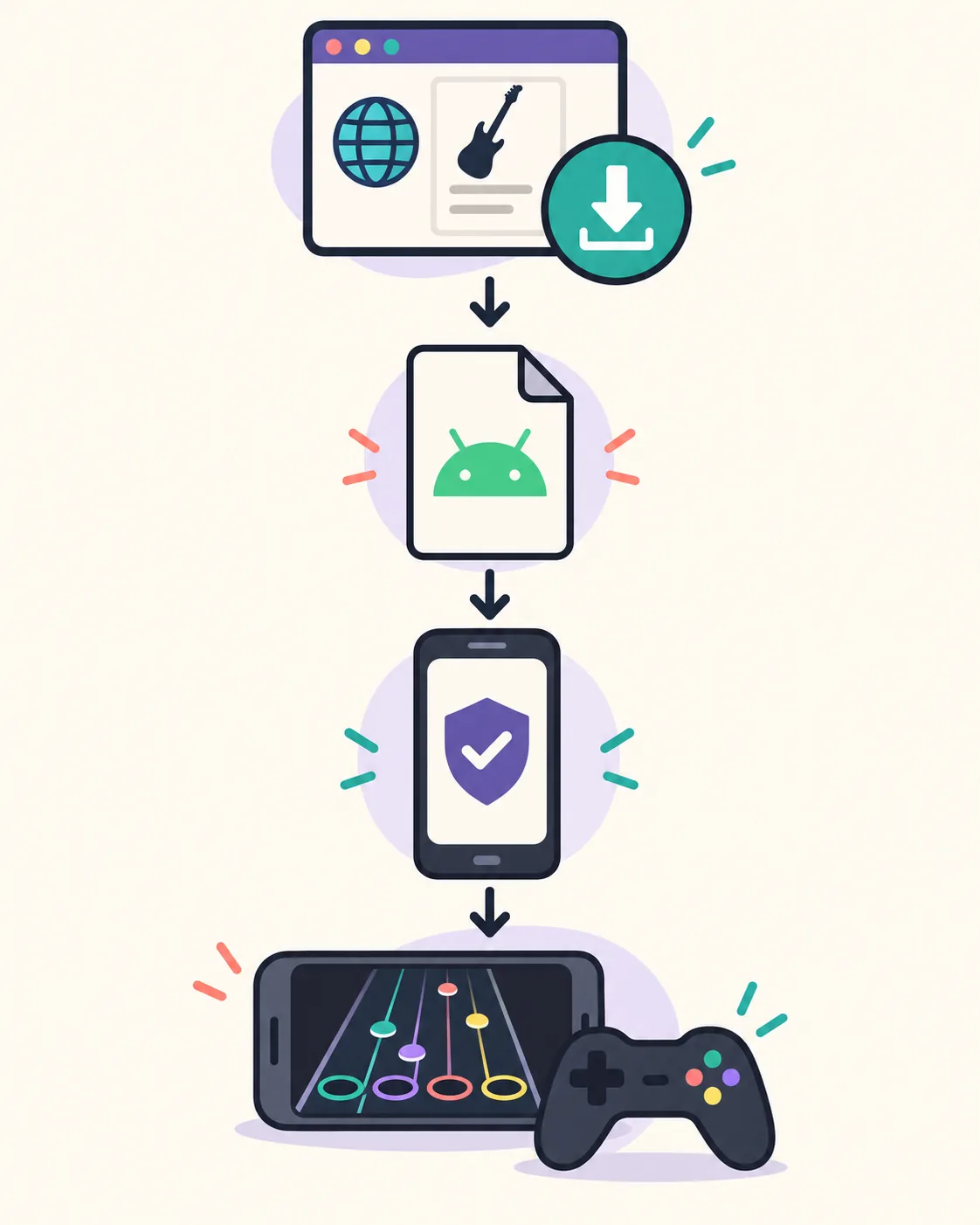
For a clean first test, download from the official page, install only the APK you intentionally selected, launch with the touchscreen or a known controller and test one chart before importing a large library. Android may ask you to allow the browser or file manager to install unknown apps; grant that permission only to the app you trust, then turn it off again when the install is finished.
Open the official Android download route
Android APK
The official release page lists v1.1.0.6142-final.apk and the published SHA-1; follow the page if the asset redirect changes.
Open official releaseOfficial installation reference
Use the Clone Hero Wiki for installation, data locations and custom-song guidance after the APK is installed.
Open official WikiWhat the official Clone Hero Android release includes
Android is a real platform route, but the APK is only the application layer. Songs, controller hardware and device permissions still need separate checks.
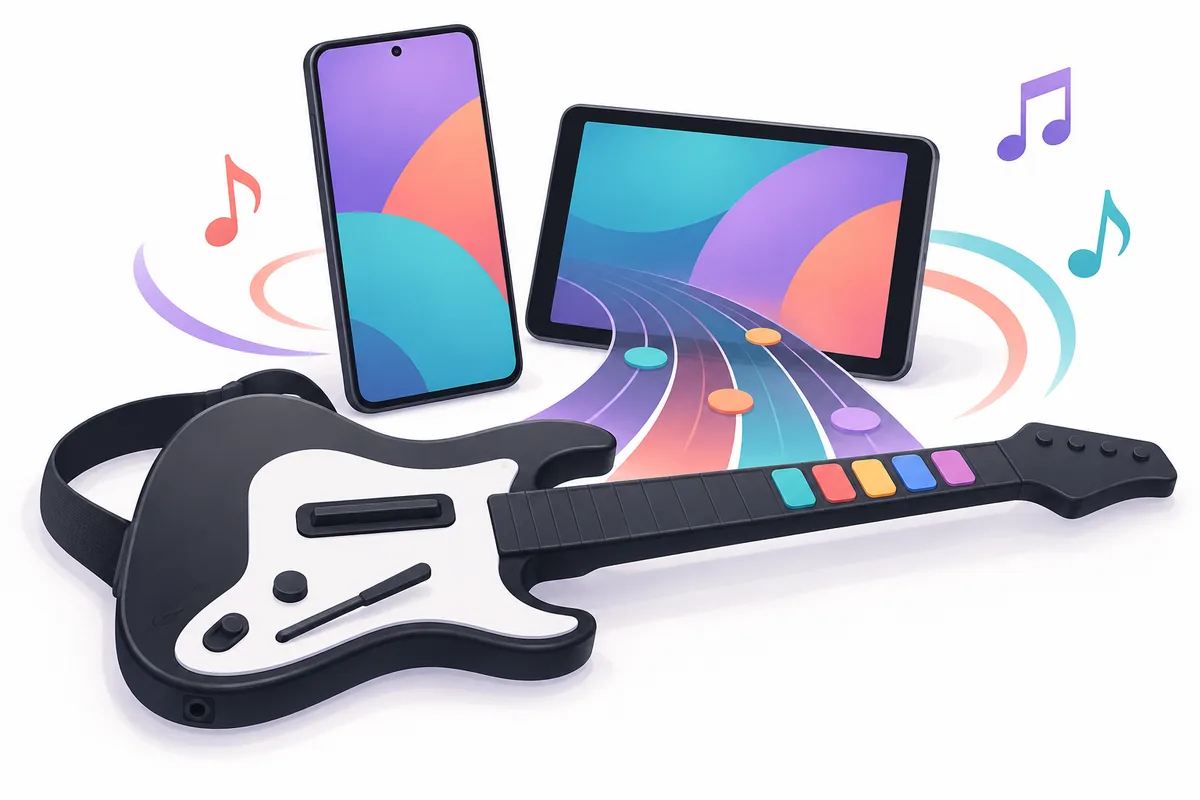
The official Clone Hero site publishes Android alongside its desktop destinations. That confirms an Android build exists; it does not promise identical behavior on every phone, tablet, Android version, screen ratio, graphics chip or controller adapter. Start with the device you actually plan to use and keep the first test small.
The phrase Clone Hero Android usually combines four jobs: downloading the current APK, installing it without a repackaged bundle, locating the active data folders, and making notes or a controller respond at the right time. Treating those jobs separately makes failures easier to diagnose than reinstalling the same file repeatedly.
The game and the community chart library are separate. The official Android release does not automatically include every Guitar Hero or Rock Band song, and a page promising a preloaded all-songs APK is not the normal official route. Use a trusted chart source, inspect the archive and import one complete song folder before adding a pack.
Download the official Clone Hero Android APK
Use the official release page rather than a mirror that removes the version context. The page identifies the Android asset and publishes the SHA-1 shown by the project. A signed or temporary redirect can change, so this guide intentionally links to the release page instead of claiming that one copied file URL will remain permanent.
Before installing, check the filename, version and available storage. Do not treat an APK that arrives with an unrelated executable, a password-protected archive, a paid activation prompt or a promise of every commercial song as a normal Clone Hero download. Keep the original file until the first launch succeeds, then store it outside the active game data folder if you want an update rollback.
Install the APK and prepare the first Android test
An Android installation is complete only when the app can open, save its settings and load a small chart. The install screen itself does not prove that the device has enough storage, that the active data path is writable or that a controller will expose the inputs Clone Hero expects.
Keep the first session deliberately boring: default graphics, one audio output, one input method and one complete song. Once that baseline works, change one variable at a time. If the app closes after a visual change, you have useful evidence; if you import a large pack and change three settings at once, the failure becomes much harder to isolate.
Add songs and find Android data locations
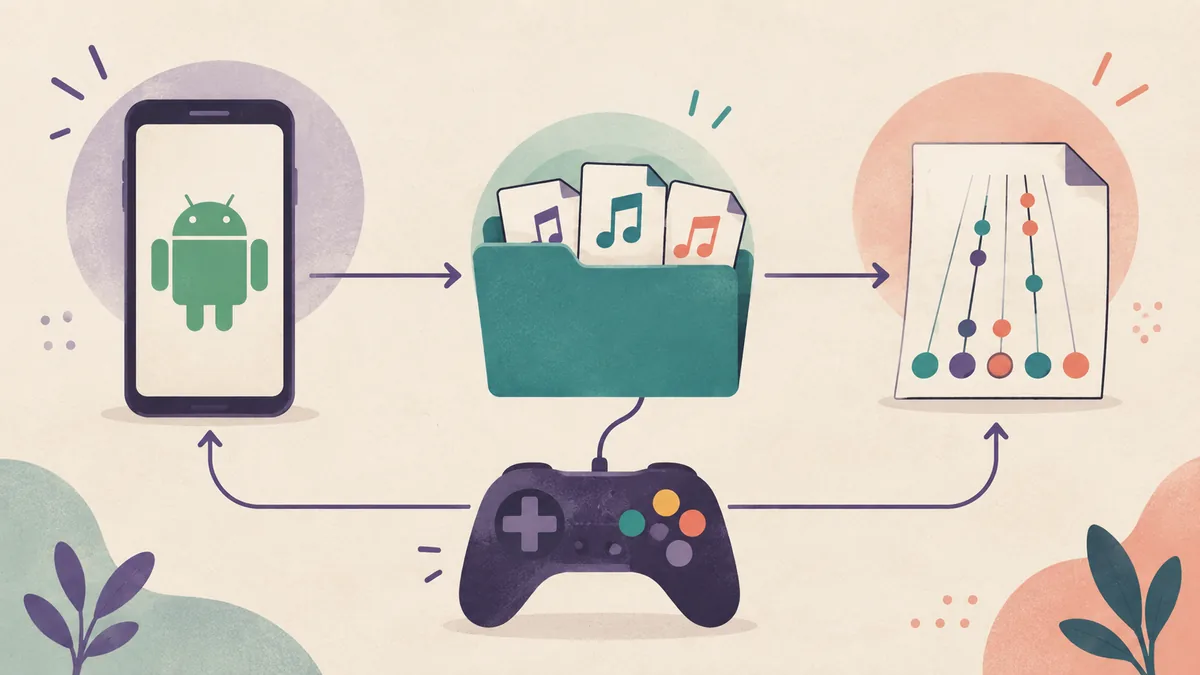
The APK and the song library are different layers. Use the in-game Open Default Songs Folder or the current official Wiki Data Locations reference when available. Android storage rules and app versions can change, so an old forum path should not outrank the folder control shown by the current build.
For a chart to scan, extract the archive and keep chart data, song.ini and audio together in one complete song folder. If the archive creates an extra nested folder, fix the depth before scanning. The site's How to Add Songs guide covers the generic archive and scan workflow, while the Songs Download Guide helps evaluate chart sources.
Back up Songs, Custom and important settings separately from the APK. A release can be downloaded again, but a carefully organized library, scores, profiles and visual assets may be much harder to rebuild. Copy a small test library first and confirm that notes and audio work before moving a large pack or using external storage.
Touch controls, gamepads and guitar controllers
Touch or a simple gamepad is the cleanest first baseline because it removes receiver, Bluetooth, adapter and console-dongle variables. A controller that works in another Android game may still report different buttons or axes to Clone Hero, and a Guitar Hero logo alone does not prove that a particular wireless adapter is supported.
When you add a controller, connect the simplest known path first. Check that Android sees the device, assign the correct player, map fret or face buttons, strum or confirm inputs and test one chart. If the menu works but notes feel late, calibrate timing and inspect Bluetooth or audio latency before reinstalling.
For broader hardware choices, use the site's Clone Hero Controller Guide. If you use drums or a specialized adapter, keep that troubleshooting separate from the APK test. One working touch or gamepad session gives you a reliable reference point for deciding whether the remaining issue belongs to the controller, the adapter or the game settings.
Update Clone Hero Android without losing songs
The latest version verified for this guide on September 15, 2026 is v1.1.0.6142. Before updating, close Clone Hero, record the installed version and back up Songs, Custom, profiles and important settings to a separate location. Then check the official release page again because the Android asset, checksum or install notes can change.
Install a new APK only after you know which app data and song path the current build uses. Test the new build with the touchscreen or a known controller, one chart and the same audio route. Restore a large library or custom visual assets only after that small test passes. If the new build exposes a different path, keep the old backup intact while you migrate.
This page does not claim a permanent direct APK URL, an independently verified file size or a safety scan. When the official site uses a redirect or changes its release layout, follow the publisher-controlled page. That is slower than a random mirror, but it preserves the version context needed for a safe update and a credible rollback.
Clone Hero Android FAQ
Can you play Clone Hero on Android?
Yes. The official Clone Hero release route lists an Android APK. Test the current build on the device you actually use with touch or a known controller and one chart before importing a large library.
What is the latest verified Clone Hero Android version?
The latest version verified for this guide on September 15, 2026 is v1.1.0.6142. Check the official release page again before downloading because the package, checksum and platform notes can change.
How do I install the Clone Hero Android APK?
Open the official release page, download the versioned Android APK, approve the intentional browser or file-manager install permission if Android asks, disable that permission afterward and launch with a small first test.
Where is the Clone Hero Songs folder on Android?
Use the in-game Open Default Songs Folder control when available or confirm the current path in the official Clone Hero Wiki Data Locations reference. Do not assume that Android Downloads is the active Songs folder.
How do I add custom songs to Clone Hero Android?
Download a chart from a source you trust, extract it, keep chart data, song.ini and audio together in one complete song folder, copy it into the active Songs path, run Scan Songs and read the scan feedback if it is rejected.
Can I use a guitar controller with Clone Hero Android?
Possibly, depending on the controller, adapter and the inputs Android exposes. Confirm system-level detection, test touch or a gamepad first, then assign the player and map one guitar input at a time.
Sources and verification
Platform, release and data-location facts were checked on September 15, 2026. The illustrations on this page are editorial explanations, not official screenshots; controller and Android compatibility guidance is cautious practical advice rather than a complete developer-published device matrix.