
Clone Hero PC Requirements: Minimum Specs & Setup Check
Wondering whether your computer can run Clone Hero? This guide separates the official platform facts from practical setup advice, then gives you a small test path before you spend time importing a large song library.
Most modern 64-bit PCs should start with a small test
The official Clone Hero pages publish supported platforms and release packages, but they do not publish a detailed numeric CPU, RAM or GPU minimum table. The current release page lists a Windows 64-bit build alongside macOS, Linux, Android and iOS TestFlight destinations. Treat the published platform label as the official fact and the practical checks below as guidance, not as a manufacturer warranty.
For a Windows PC, start with a working 64-bit desktop environment, a stable graphics driver, available storage, an audio output and either a keyboard or compatible controller. Launch the game, test one known-good chart and run Scan Songs before copying a multi-gigabyte collection. If that small test works, a missing song is more likely to be a path or chart problem than a PC requirement problem.
What the official Clone Hero release actually confirms
The official Clone Hero website describes the game as available for Windows, Mac, Linux, Android and iOS, and the v1.1.0.6142 release page labels the desktop Windows package as Windows (64-bit). That confirms the platform and package route; it does not promise that every old operating system or every low-end graphics driver will behave identically.
For this reason, do not copy an unofficial requirements table into a download page as if it came from the developer. A useful PC requirements check should tell you what is known, what is a practical starting point, and what to test on the actual machine. If you need the file first, use the official Clone Hero download guide; this page is about readiness and diagnosis rather than another download mirror.
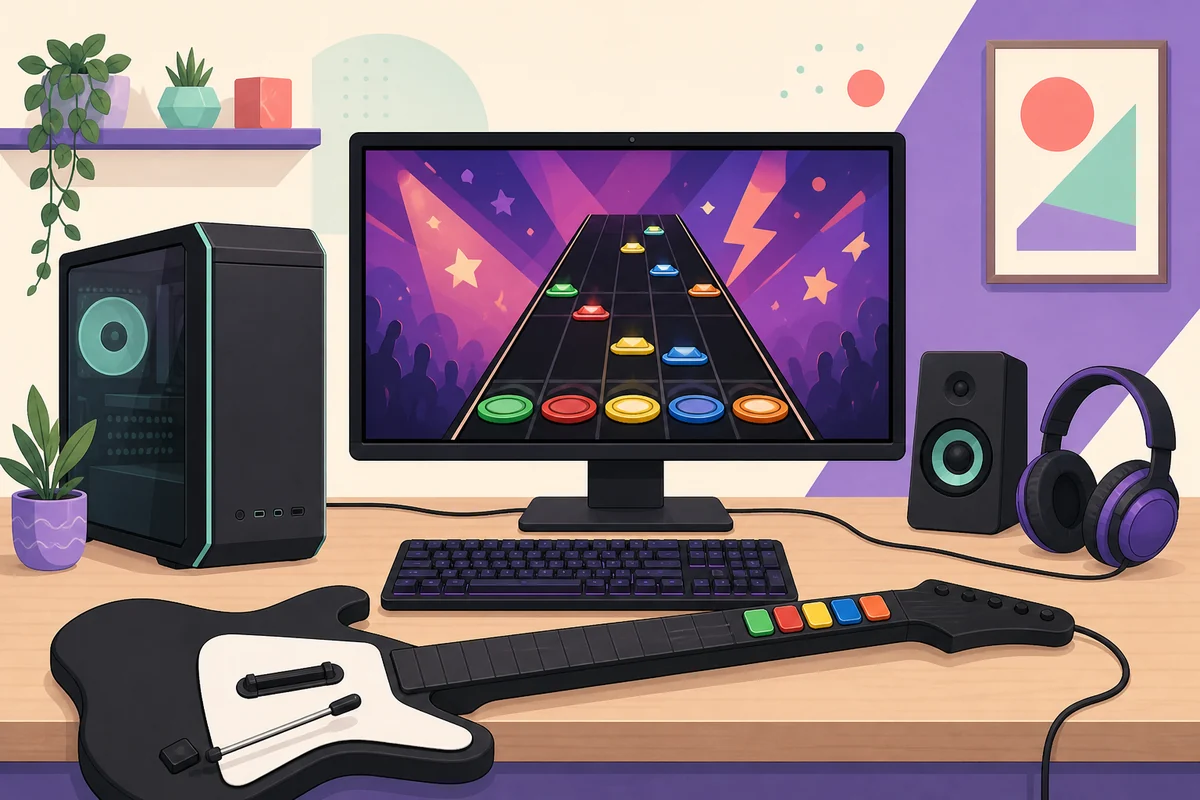
Practical Clone Hero PC requirements
Use this table as a cautious starting point. It is not an official minimum-specification statement.
| Area | Practical starting point | What to verify |
|---|---|---|
| Operating system | Use the current Windows 64-bit release path. | The official v1.1.0.6142 page labels the Windows package 64-bit. Do not assume a 32-bit build is supported. |
| CPU and memory | A normal modern everyday PC should be the first test case; close heavy background workloads if needed. | Launch the menu, load one chart and watch for sustained stutter before importing a library. |
| Graphics | Use a working desktop graphics driver and start with the default display settings. | If menus render but gameplay stutters, update the driver and lower visual load before blaming songs. |
| Storage | Leave room for the extracted game, temporary archives and the Songs/Custom folders. | Keep the system drive from filling up and make sure the song path points to a connected drive. |
| Audio and input | Speakers or headphones plus a keyboard are enough for a first launch test. | Test sound, keyboard input and one chart before adding a receiver, adapter or large pack. |
| Network | Internet is useful for downloading releases and community charts, not for the basic offline launch test. | Separate a download or Launcher issue from the local game and chart test. |
Match the package to your PC and operating system
A requirements check also prevents a simple package mistake. Windows users need the Windows 64-bit ZIP, while macOS and Linux users should use their platform-specific official release. An Android APK and an iOS TestFlight invitation are not PC installers. The official release page is the safest place to compare the platform label before you download a large file.
The current v1.1.0.6142 release was published on June 1, 2026. The official page supplies stable release destinations for the desktop packages, but signed asset redirects can be temporary. This guide does not mirror those files or claim that a temporary CDN URL is a permanent download address.
- Windows 64-bit: official ZIP package; extract it to a normal writable folder before launching.
- macOS: official DMG package; use the release page's macOS destination and follow the operating system's app-security prompts.
- Linux: official x86_64 standalone TAR; extract it and review executable permissions if the app does not start.
- Android and iOS: mobile release paths are separate from PC requirements and should not be used to diagnose a Windows installation.
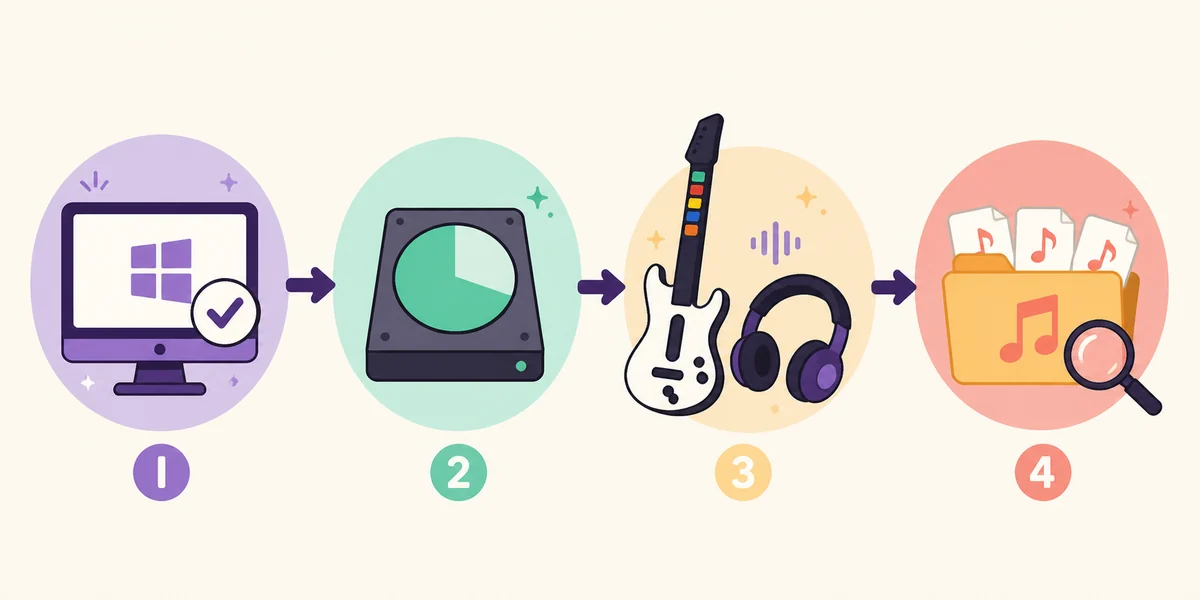
A safe five-minute test before importing songs
- 1
Confirm the source and version
Open the official release page and compare the version shown in your download flow. Avoid torrents, repacks and pages claiming to bundle every commercial song.
- 2
Extract to a normal folder
Do not run the Windows executable from inside the ZIP. Use a writable folder with enough space for the extracted files and future custom content.
- 3
Launch with the keyboard
A keyboard is a useful baseline because it removes receiver, adapter and wireless-pairing variables. Confirm that menus respond and that the game creates or reads its profile.
- 4
Test one known-good chart
Add one chart from a source with clear metadata, keep the folder complete, run Scan Songs and check both audio and notes. Do not begin with a multi-gigabyte pack.
- 5
Add hardware and content gradually
After the local test passes, connect the guitar or gamepad, map controls and import one small batch at a time. This makes a failure easy to attribute.
When the PC launches but gameplay feels wrong
If the menu is responsive but a song drops frames, first test a known-good chart with the default visual settings. Then check the graphics driver, background load, display resolution and whether the system drive is nearly full. Do not assume that a large song pack or custom video highway is representative of the game itself.
If notes feel early or late while the game remains smooth, that is usually a timing-calibration question rather than a raw hardware question. If a guitar or gamepad is the only failing part, use the Clone Hero controller guide. If songs do not appear, use the song installation guide and read badsongs.txt before reinstalling.
| What you see | More likely layer | Next check |
|---|---|---|
| Menus work, gameplay stutters | Driver, visual load or background process | Test a small chart, update the driver and reduce visual load. |
| Audio is late or early but frames are stable | Audio/video calibration | Calibrate timing instead of replacing the game files. |
| Keyboard works, guitar does not | Receiver, adapter, assignment or mapping | Use the controller guide and check system-level detection. |
| One song is missing | Chart folder, archive extraction or metadata | Inspect song.ini, notes and audio; then read badsongs.txt. |
| Everything disappears after migration | Song path or connected drive | Open the current default Songs folder and rescan. |
Do you need a more powerful PC?
Not necessarily. If the current build launches, a small chart plays with stable audio and notes, and your controller maps correctly, upgrade decisions should be based on the actual problem rather than a generic requirements list. Most troubleshooting value comes from isolating the failing layer first.
Consider a hardware change only after checking the driver, display settings, background processes, storage headroom, custom visual assets and chart quality. A computer that handles the base game may still struggle with a large video-heavy library or a busy desktop environment. Keep the default configuration as a comparison point.
- Use Clone Hero troubleshooting when the failure is launch, audio, song or custom-content related.
- Use the custom highways guide when a visual asset causes the problem.
- Use the update guide when the issue appeared after changing versions.
- Use the official release page rather than a third-party “requirements fixer” or unknown driver package.
What this page does not promise
There is no official numeric minimum CPU, RAM or GPU table on the current release page that this guide can responsibly reproduce. The practical baseline above is a test method, not a guarantee for every old laptop, virtual machine or graphics driver. When official documentation changes, its platform and release notes take priority over this page.
Clone Hero is not distributed through Steam, and downloading the game does not include every Guitar Hero or Rock Band song. Keep official software files separate from community charts and custom content. This site does not host cracked builds, modified APKs, commercial song bundles or executable files disguised as song downloads.
Clone Hero PC requirements FAQ
What are the Clone Hero PC requirements?
The official v1.1.0.6142 release page confirms a Windows 64-bit package but does not publish a detailed numeric CPU, RAM or GPU minimum table. Use a working 64-bit PC, available storage, stable graphics/audio drivers and the five-minute test on this page as a practical starting point.
What are the minimum specs for Clone Hero?
No current official numeric minimum-specification table is published on the release page. Treat claims from mirrors as unofficial, test the base game with one chart and then diagnose any real symptom instead of upgrading from a generic number.
Can I run Clone Hero on an old laptop?
Possibly, but age alone is not enough to decide. Check whether it can run the current 64-bit release path, render the menu, play one chart with stable audio and keep enough storage for extracted files and Songs. Custom video assets may be more demanding than the base test.
Do I need a guitar controller to test Clone Hero?
No. A keyboard is enough to confirm that the game launches, accepts input and plays a small test chart. Add a guitar, gamepad or drums after the basic installation works so hardware issues remain separate.
How much storage should I leave for Clone Hero?
Leave room for the extracted game, the downloaded archive, temporary files and the Songs/Custom folders. The library can become much larger than the base game, so avoid installing it on a nearly full system drive.
Does the latest release support 32-bit Windows?
The current official page prominently labels the Windows package Windows (64-bit). Do not assume that a 32-bit system is supported by the current release; use an official older release only if its own documentation explicitly fits your situation.
Is Clone Hero on Steam?
No. Use the official Clone Hero website, Launcher or release page rather than a Steam listing or an unofficial repack.
What should I test first after downloading Clone Hero?
Extract the official package, launch with the keyboard, play one known-good chart, confirm audio and notes, and run Scan Songs. Only after that should you connect a controller or import a large song pack.
Sources and verification
Version and platform facts were checked on August 10, 2026. The practical hardware guidance is explicitly editorial and is not presented as an official minimum-specification table.